5 Of The Best Google Chrome Extensions You've Been Missing Out On In 2026
Discover five of the best Google Chrome extensions you’ve been missing in 2026, with practical tips to install, manage, and use them without slowing your browser.
Why these Chrome extensions matter in 2026
Your browser is now your operating system. You write, research, shop, bank, and collaborate from Chrome all day. That is exactly why the right extensions can feel like cheat codes, and the wrong ones can turn your browser into a laggy mess. In this guide, you will discover five of the best Google Chrome extensions you've been missing in 2026, focused on productivity, privacy, and everyday usability.
Instead of installing dozens of random add-ons, you will see a carefully chosen set that covers tab chaos, online tracking, password overload, eye strain, and AI-powered writing. These are some of the best Google Chrome extensions you've been missing in 2026 if you want a faster, safer, and more focused browser without micromanaging settings all day.
The 5 best Google Chrome extensions you've been missing in 2026
There are thousands of choices in the Chrome Web Store, but a small handful consistently stand out for real-world impact. The five picks below are battle-tested, actively maintained, and powerful without being bloated. Think of them as a starter pack you can install on any new machine in under ten minutes.
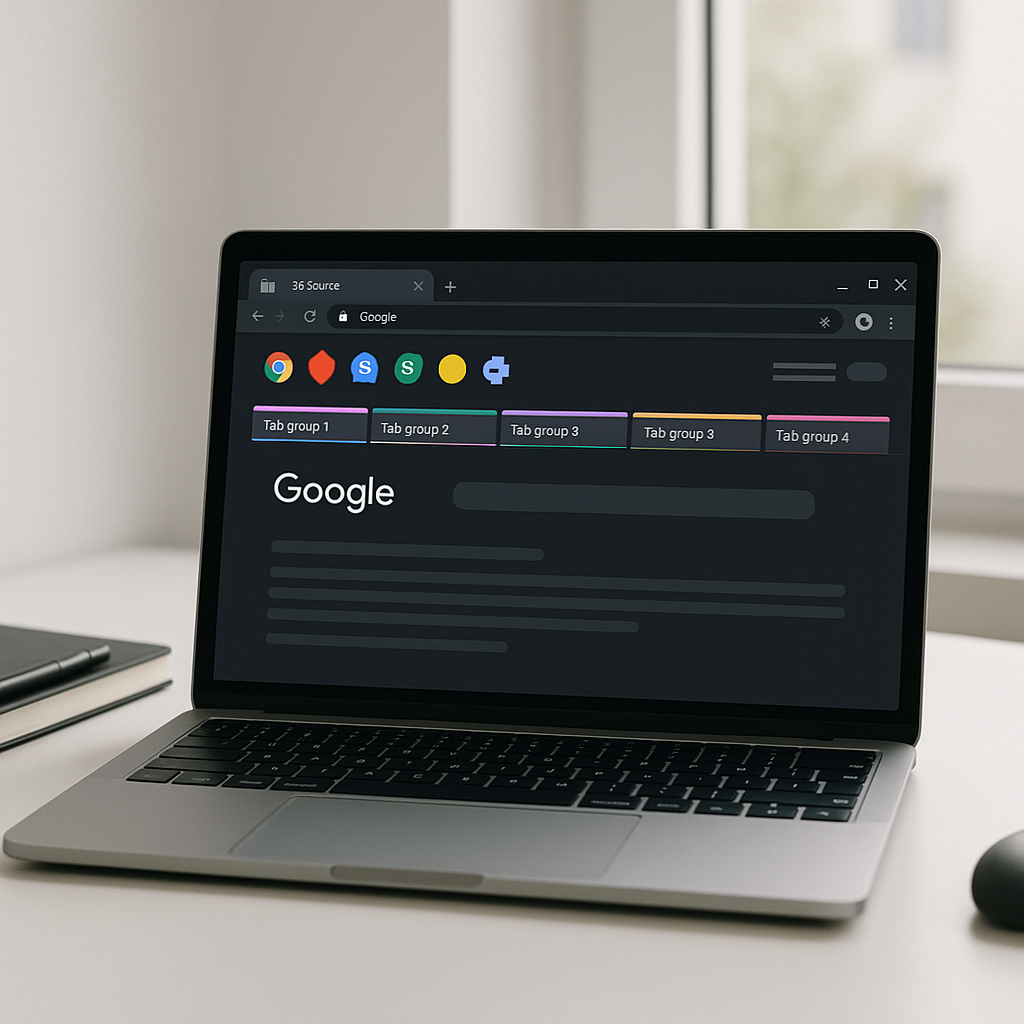
- Workona Tab Manager: If you regularly end up with 40+ tabs open, Workona lets you group tabs into workspaces, quickly save sessions, and reopen full sets of tabs with one click. It is ideal if you jump between projects, clients, or classes and want your tab layout to follow you.
- uBlock Origin: A lightweight content blocker that strips out most ads, trackers, and pop-ups. Unlike many “ad blocker” clones, uBlock Origin focuses on efficiency, so pages usually feel noticeably faster, and your CPU fans stay quiet even on ad-heavy sites.
- Bitwarden Password Manager: A secure, open-source password manager that stores all your logins in an encrypted vault and fills them automatically in Chrome. It also generates strong passwords, fills 2FA codes, and syncs across devices for free or at low cost.
- Dark Reader: A highly configurable dark mode for the web that inverts colors intelligently instead of applying a crude filter. It makes reading at night easier on your eyes, particularly on stark white sites that do not offer their own dark theme.
- Compose AI (or similar AI writing assistant): An AI-powered writing helper that lives in your text boxes. It can draft emails, suggest replies, rewrite messages for clarity, and help you summarize long passages without leaving the page you are on.
Used together, these tools give you a lean but powerful stack: organized workspaces, quieter pages, safer logins, calmer reading, and smarter writing. If you install only a handful of add-ons this year, these five are strong candidates for the best Google Chrome extensions you've been missing in 2026.
How to install and manage these Chrome extensions
Installing any of these tools takes less than a minute, but it is worth doing it carefully so you avoid fake or lookalike entries. Always install from the official Chrome Web Store listing, and double-check the developer name, user reviews, and last updated date before you click “Add to Chrome.”
- Open Chrome and go to the Chrome Web Store.
- Search for the extension by its exact name, for example “uBlock Origin” or “Bitwarden.”
- Confirm the listing looks legitimate: high user count, recent updates, and a recognizable developer.
- Click Add to Chrome, then review the requested permissions before approving.
- After installation, click the puzzle icon in the toolbar and pin the extensions you plan to use frequently.
Once installed, keep things tidy. Chrome lets you disable or remove add-ons from chrome://extensions. Periodically review this page and uninstall anything you are not actively using. If your browser starts to feel sluggish, temporarily disable everything, then re-enable your core set of tools one at a time. This makes it easy to spot a misbehaving extension and ensures the best Google Chrome extensions you've been missing in 2026 do not get dragged down by low-quality extras.
You should also take permissions seriously. For example, Bitwarden legitimately needs access to fill passwords, while a random wallpaper add-on should never need “read and change all your data on all websites.” When in doubt, choose tools with minimal, clearly justified permissions and a transparent privacy policy.
Pros and cons of loading up on Chrome add-ons
Extensions can transform Chrome from a basic browser into a personalized productivity hub. Workona prevents tab overwhelm and keeps projects neatly separated. uBlock Origin removes noisy distractions and potential tracking, which not only protects your privacy but often makes pages feel dramatically faster. Tools like Dark Reader and Compose AI can also reduce cognitive load, making it easier to read, write, and focus for long stretches.
The trade-off is that every Chrome extension runs code in your browser. Too many, or a few badly written ones, can slow down page loads, consume memory, and even conflict with each other. Some low-quality extensions inject extra ads, mine data, or quietly resell your browsing behavior. Even legitimate tools can feel heavy if they scan every page you visit in the background.
The solution is to treat extensions like apps on your phone: install sparingly, keep only what you truly use, and favor reputable developers. Limit yourself to a compact stack, such as the five best Google Chrome extensions you've been missing in 2026 covered here, then add new ones only if they clearly solve a problem that none of your existing tools address.
How to choose the right mix of extensions in 2026
Before you install anything, list the problems you actually want to solve. For most people, the big categories in 2026 are still the same: too many tabs, weak or reused passwords, constant distraction, eye strain, and repetitive typing. The set in this article maps cleanly to those pain points, which is why they are often considered among the best Google Chrome extensions you've been missing in 2026.
Next, look for signs of long-term reliability. Check whether the extension is open source or backed by a reputable company, how often it is updated, and how the developer responds to negative reviews. For sensitive categories like password managers and content blockers, avoid clones with tiny user counts and no clear track record. Stick to widely audited tools like Bitwarden and uBlock Origin, which are tested daily by huge user communities.
Finally, consider how your extensions fit into your broader workflow across devices. Bitwarden, Workona, and Compose AI style tools are particularly powerful because they sync across laptops and desktops, so your logins, workspaces, and writing suggestions travel with you. If your setup feels lighter, faster, and less stressful after a week, you most likely landed on the right mix of the best Google Chrome extensions you've been missing in 2026.
Frequently Asked Questions
Are Chrome extensions still safe to use in 2026?
Yes, Chrome extensions are generally safe if you install them from the official Chrome Web Store, verify the developer, read recent reviews, and avoid tools that request excessive permissions. You should also periodically remove anything you no longer use.
Do these extensions work in other Chromium-based browsers?
Most of the extensions mentioned, like uBlock Origin, Bitwarden, and Workona, also work in Chromium-based browsers such as Microsoft Edge, Brave, and Vivaldi, often through the same Chrome Web Store listing or a dedicated extension store.
Will using several extensions slow down my browser?
Any extension can add some overhead, but well-optimized tools like uBlock Origin and Bitwarden have a minimal impact. Problems usually arise when you install many overlapping or poorly coded add-ons, so keep your list short and stick to well-reviewed options.
How can I tell if an extension is trustworthy?
Look for a clear developer name, an official website, a high user count, recent updates, and a detailed privacy policy. Be skeptical of extensions that request broad data access for simple features or that have many recent 1-star reviews mentioning ads or tracking.
Can I sync my extensions and settings across devices?
Yes, if you sign into Chrome with your Google account and enable sync, most of your extensions will install automatically on other devices. Individual tools like Bitwarden and Workona also provide their own account-based sync for vaults and workspaces.

Written by
David ChenAI Tools Researcher
David is an AI tools researcher who covers the latest in artificial intelligence, machine learning applications, and emerging AI technologies. He combines a technical understanding of AI systems with practical insights on how to use them effectively. His reviews help readers cut through the hype and find AI tools that deliver real value.
Keep reading
You might also like
 Chrome Extensions
Unlocking the Secrets: A Guide to Retrieving the Current Tab URL in a Chrome Extension
Are you ready to uncover the mystery behind retrieving the current tab URL in a Chrome extension? If you've ever found yourself wondering about the how to
 Chrome Extensions
How to Use Zotero Chrome Extension
Are you tired of losing track of your research sources? How to Use Zotero Chrome Extension? Meet Zotero, a powerful tool designed to help you manage your
 Chrome Extensions
Understanding the Impact of Using the Honorlock Chrome Extension on Online Exams
If you are considering using "What is the Honorlock Chrome extension" for online exams, it is important to understand the impact it may have on the