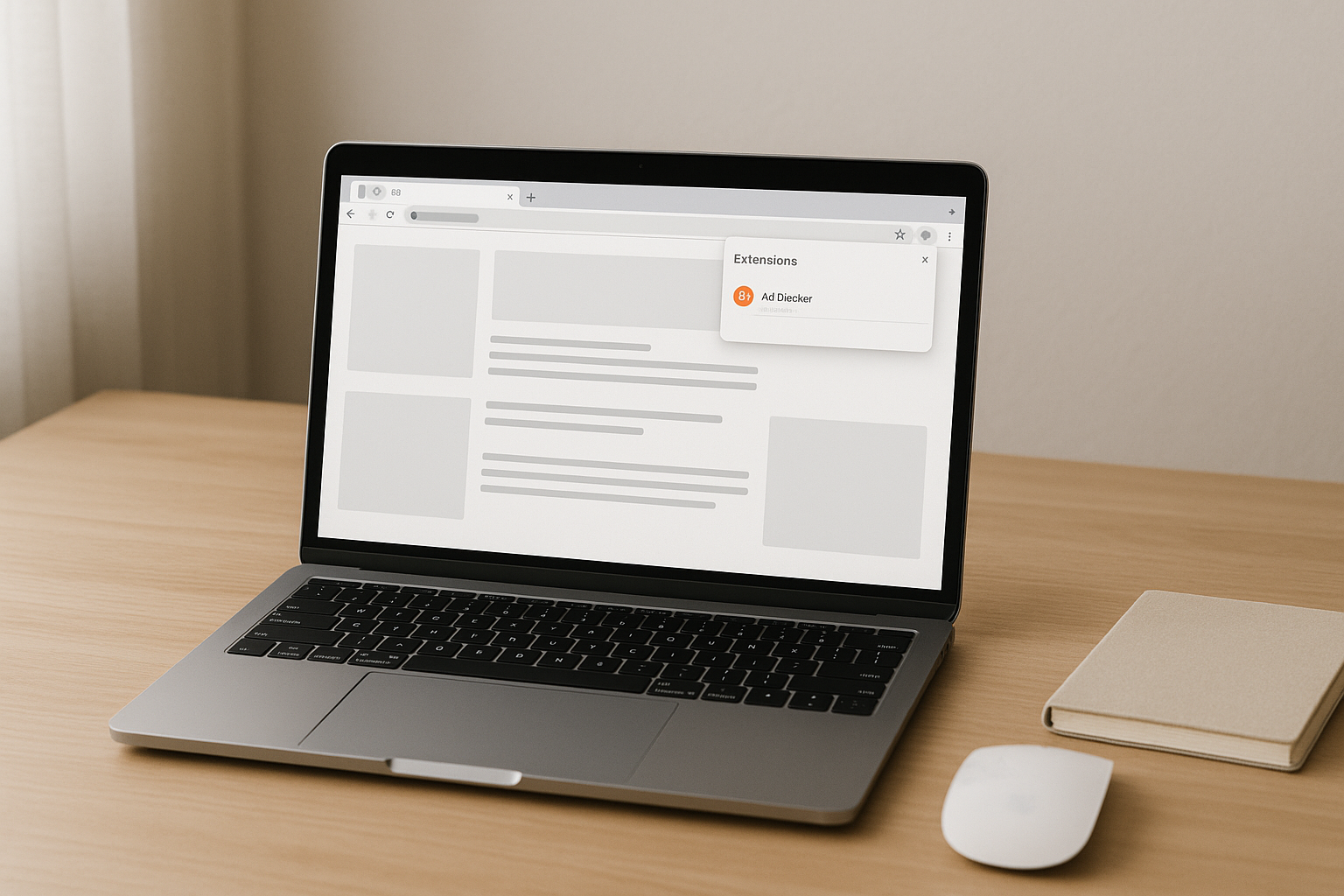
The Best Ad Blockers for Chrome in 2026, Tested Picks
Cut through bloated “security” extensions and pick a fast, private ad blocker for Chrome in 2026 that actually works with Manifest V3 and YouTube.
You probably installed your first ad blocker years ago and forgot about it. Then Chrome started nagging, YouTube got aggressive, and suddenly half your favorite blockers either broke or turned shady.
Welcome to 2026, where picking the best ad blocker for Chrome is less about “blocks the most ads” and more about “doesn’t sell me out, doesn’t break half the web, and still works under Google’s new rules.”
Pair one serious content blocker with a couple of focused helpers, and ignore anything bloated, branded like a VPN, or suspiciously eager to “optimize” your browsing.
Why ad blockers in 2026 feel different
The biggest shift hit when Chrome went all in on Manifest V3 around 2024. That change limited the old webRequest API that powerful blockers used for years and forced everyone onto declarativeNetRequest rules instead. In plain English: Chrome now wants extensions to declare what they block up front, not inspect every request on the fly.
Good projects adapted. uBlock Origin released uBlock Origin Lite for Manifest V3, AdGuard refactored its engine, and smaller tools either caught up or quietly disappeared. Some big-name “free” ad blockers also revealed their real business model: data collection, “acceptable ads” that pay for whitelisting, or bundling in weird VPN / shopping features you never asked for.
You also have a more hostile ad environment. YouTube started throwing “Ad blockers are not allowed” warnings, sites roll out anti-blocker walls, and trackers now hide behind first-party domains. The best ad blockers for Chrome in 2026 are the ones that get clever without getting creepy.
How Chrome ad blockers actually do their job now
Under the hood, modern Chrome ad blockers are just big lists plus some smart rules. They subscribe to filter lists like EasyList, EasyPrivacy, uBlock filters, AdGuard Base, and a handful of regional lists. Those lists contain patterns: block this domain, hide that CSS selector, strip these tracking parameters.
With Manifest V3, extensions load thousands of these rules into Chrome’s declarative engine. Chrome’s network stack then checks each request against the rules and drops ad and tracking domains before they even load. Cosmetic filters mop up the leftovers by hiding sponsored blocks, “you might like” widgets, and promoted tweets so the page looks clean instead of full of blank boxes.
If you care about performance, this model is actually pretty good. A well-tuned blocker like uBlock Origin or AdGuard cuts network noise so pages load faster, and CPU usage often goes down because your browser stops rendering heavy ad scripts. Cheap, spammy blockers do the opposite: they inject extra scripts, run shady analytics, and sometimes add their own “offers.” That is where people start saying “ad blockers made Chrome slower,” which is only true if you picked the wrong one.
The best ad blockers for Chrome right now
Here is the short list I actually recommend to friends, family, and coworkers in 2026. Not every extension here is a full ad blocker; a couple are specialists that work best alongside a main shield.
| Tool | Price | Free tier | Best for |
|---|---|---|---|
| uBlock Origin | $0 | Yes | Most Chrome users who want strong blocking |
| AdGuard Ad Blocker | $0 extension / $2.49 mo app | Yes | Heavy users on multiple browsers and devices |
| Privacy Badger | $0 | Yes | Extra tracker protection alongside another blocker |
| Ghostery | $0 / $4.99 mo Plus | Yes | Users who want visual tracker control |
| SponsorBlock | $0 | Yes | YouTube addicts skipping in-video sponsor segments |
uBlock Origin: still the default pick
If you only want one extension, make it uBlock Origin. It is free, open source, light on memory, and does not play the “acceptable ads” game. Install it, keep the default lists, maybe add uBlock’s annoyances list for cookie banners, and you are done.
On Chrome, you will see two flavors: the classic uBlock Origin that still relies on older APIs for now, and uBlock Origin Lite built around Manifest V3. Lite has fewer knobs to turn but plays nicer with Google’s current model and still blocks aggressively with preloaded rule sets. For most people, either one is more than enough.
AdGuard Ad Blocker: good for heavy web users
AdGuard Ad Blocker is the other “serious” option. The Chrome extension is free and powerful, and AdGuard sells a separate desktop app and DNS service starting around $2.49 per month if you want network-wide blocking on Windows, macOS, Android, and even smart TVs.
It packs strong regional filters, lots of cosmetic rules, and decent anti-anti-adblock tricks. If you often browse sites from multiple countries or fight especially annoying local ad networks, AdGuard’s lists can be worth it.
Privacy Badger and Ghostery: tracker-focused sidekicks
Privacy Badger from the EFF is not a classic ad blocker. It watches which domains follow you across sites, then starts blocking the worst trackers automatically. It works best as a privacy sidekick on top of uBlock Origin or AdGuard.
Ghostery sits in a similar space but adds more visual controls. You can see trackers grouped by type and toggle them one by one. The free tier is fine for most people; the paid Plus plan mostly adds stats and some extra privacy perks, not must-have features.
SponsorBlock: YouTube’s worst segments, gone
SponsorBlock does one thing: skip sponsored segments, self-promo outros, and obnoxious intros in YouTube videos. It uses a community-maintained database of timestamps, so you jump straight past the “this video is brought to you by…” bits.
Pairing uBlock Origin with SponsorBlock gives you a pretty clean YouTube experience in 2026, even with Google pushing harder against classic ad blocking extensions.
Where free ad blockers start to hurt you
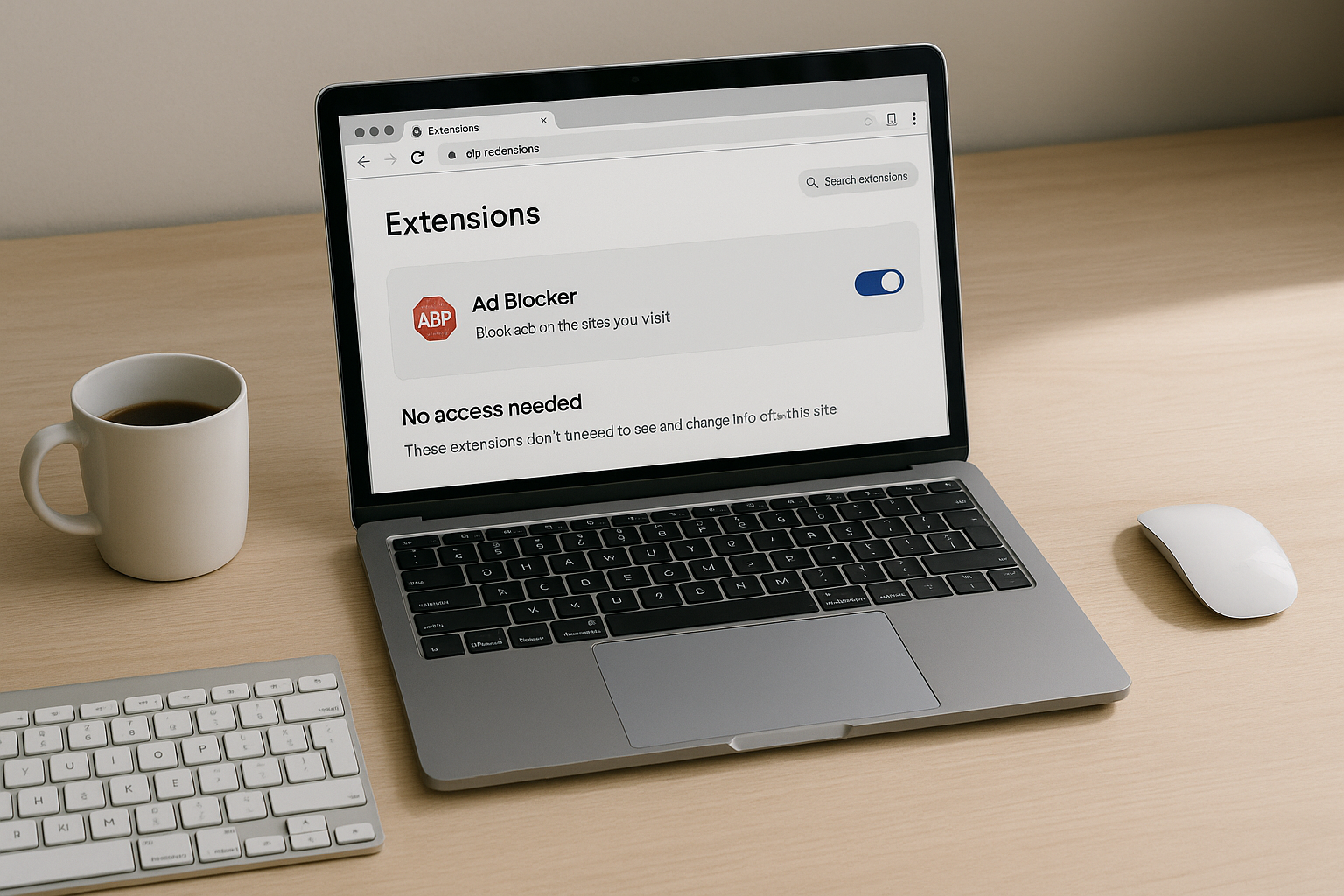
Search “ad blocker” in the Chrome Web Store and you will see a lot of sketchy stuff with names suspiciously close to known brands. Many of those extensions are there to farm your data or inject their own affiliate links into shopping sites. Some even add extra ads while claiming to block them.
There are a few red flags that usually mean “avoid this”: vague privacy policies, no clear maintainer, a recent ownership change, or a tiny extension that suddenly explodes to millions of users with lots of identical five-star reviews. If you would not install a random VPN extension, you should not trust a random ad blocker either.
The other failure mode is running three or four blockers at once. That is how you end up with broken logins, checkout pages that never finish, and support articles blaming “browser extensions” for everything. Stick to one main content blocker plus, at most, one or two narrow tools like SponsorBlock or Privacy Badger.
Quick tuning so sites and videos still work
Even the best ad blocker for Chrome will occasionally break a site. The trick is to fix those cases quickly instead of rage-disabling your blocker forever.
- Use the extension’s one-click disable for a site rather than turning it off globally. If a banking portal or government form is acting weird, start there.
- Check for anti-adblock popups that offer a “continue without disabling” link. Some news sites now show this instead of hard-blocking you.
- In uBlock Origin, the logger is your friend. If a video player will not load, open the logger and look for blocked media or script requests you might need to allow.
- Keep your filter lists tidy. You usually do not need every experimental list someone on Reddit swore by in 2021.
- If one specific site is a mess, create a per-site rule to allow its first-party scripts while still blocking third-party ad networks.
- On slower laptops or older Chromebooks, try uBlock Origin Lite or AdGuard with fewer cosmetic filters enabled to keep CPU usage low.
Spending five minutes learning your blocker’s per-site controls pays off fast. You stop seeing it as “the thing that randomly breaks pages” and start treating it like a proper tool.
Who each blocker is actually for
Not everyone needs the same setup. Here is the honest breakdown based on real-world use, not glossy marketing pages.
If you live in Chrome, use YouTube daily, and browse a mix of blogs, news, and forums, run uBlock Origin or uBlock Origin Lite plus SponsorBlock. That covers 95 percent of people reading this.
If you bounce between Chrome, Edge, and Safari on multiple devices and care about blocking at the network level, AdGuard Ad Blocker plus an AdGuard DNS or desktop subscription is worth the small monthly fee.
If privacy is your primary concern and you are already careful with extensions, add Privacy Badger or Ghostery to one of the big blockers. Think of them as extra locks on the door, not a replacement for the door itself.
For parents or anyone setting up machines for less technical relatives, pick one: uBlock Origin or AdGuard, default settings, and lock it in. Do not overcomplicate it. The simpler the setup, the less likely someone will disable it because one sports site complained.

Frequently Asked Questions
Is using an ad blocker on Chrome legal in 2026?
Yes, using an ad blocker is legal in most countries, though some sites try to block access or nag you into disabling it.
Which ad blocker works best for YouTube ads now?
uBlock Origin combined with SponsorBlock gives the cleanest YouTube experience right now, though you may still see occasional unskippable ads in the YouTube app.
Will uBlock Origin keep working with Manifest V3?
uBlock Origin Lite is already built for Manifest V3, and the project continues to adapt its rule sets to Chrome’s newer restrictions.
Do ad blockers slow down Chrome or speed it up?
A good blocker like uBlock Origin or AdGuard usually speeds up browsing by cutting ad scripts, but bloated or shady blockers can slow Chrome quite a bit.
Should I whitelist sites I want to support financially?
Yes, whitelisting a few sites you genuinely value is a fair trade, or you can support them directly via subscriptions or Patreon while keeping ads blocked.

Written by
David ChenAI Tools Researcher
David is an AI tools researcher who covers the latest in artificial intelligence, machine learning applications, and emerging AI technologies. He combines a technical understanding of AI systems with practical insights on how to use them effectively. His reviews help readers cut through the hype and find AI tools that deliver real value.
Keep reading
You might also like
 Chrome Extensions
Simplify Your Workflow: Adding 1Password Extension to Chrome
In today's fast-paced digital world, finding ways to simplify your daily workflow is essential. One way to streamline your online activities is by adding
 Chrome Extensions
Maximize Your Opera GX Experience: A Step-by-Step Guide to Installing Chrome Extensions
Are you looking to enhance your browsing experience on Opera GX by installing chrome extensions? If so, you've come to the right place! In this
 Chrome Extensions
Step-by-step Guide: Exporting Chrome Extensions Made Easy
Wondering how to easily export Chrome extensions? Look no further! In this step-by-step guide, we will walk you through the process of exporting your